
Example request · Data · Home services · 1 business day
Customer spreadsheet cleanup
A six-year-old customer export cleaned and explained in one business day: 441 rows to 382 real customers, duplicates merged with reasons, a change log of every fix, and a one-page report with charts and three plain recommendations. Example business, real work.
FromLarkspur Lawn & Snow (example)
Recustomer list is a mess
attached is our customer export from the old invoicing software (csv). we're moving to a new system and it won't import, keeps saying bad phone numbers and duplicate emails. honestly I think half of it is garbage, my brother-in-law and I both typed into it for 6 years. some people are in there 2-3 times, zip codes lost the zero, some services are spelled four different ways.
can you clean it up so it imports? and while you're in there, I'd love to know what's actually going on. like how many real customers do we have, who does both lawn and snow, who hasn't paid us in 2 years and should get dropped. I don't need a dashboard, just tell me.
Attached: customers_export.csv (441 rows, 14 columns, exported from the old invoicing tool).
FromAcrid Team
Recustomer list is a mess
Understood: the 441-row export will not import because of phone formats, duplicate emails, lost ZIP zeros and four spellings per service. You want it clean enough to import, and a plain answer to three questions: how many real customers, who buys both lawn and snow, who has not paid in two years and should be dropped.
What we will send: a workbook with the clean list, the duplicates we merged and why, the rows that need a human, and a change log of every fix; plus a one-page report with the three answers and a few charts.
What we need: nothing more. We work on a copy and delete it after delivery.
Lands: tomorrow.
What came back · 1 business day
The result
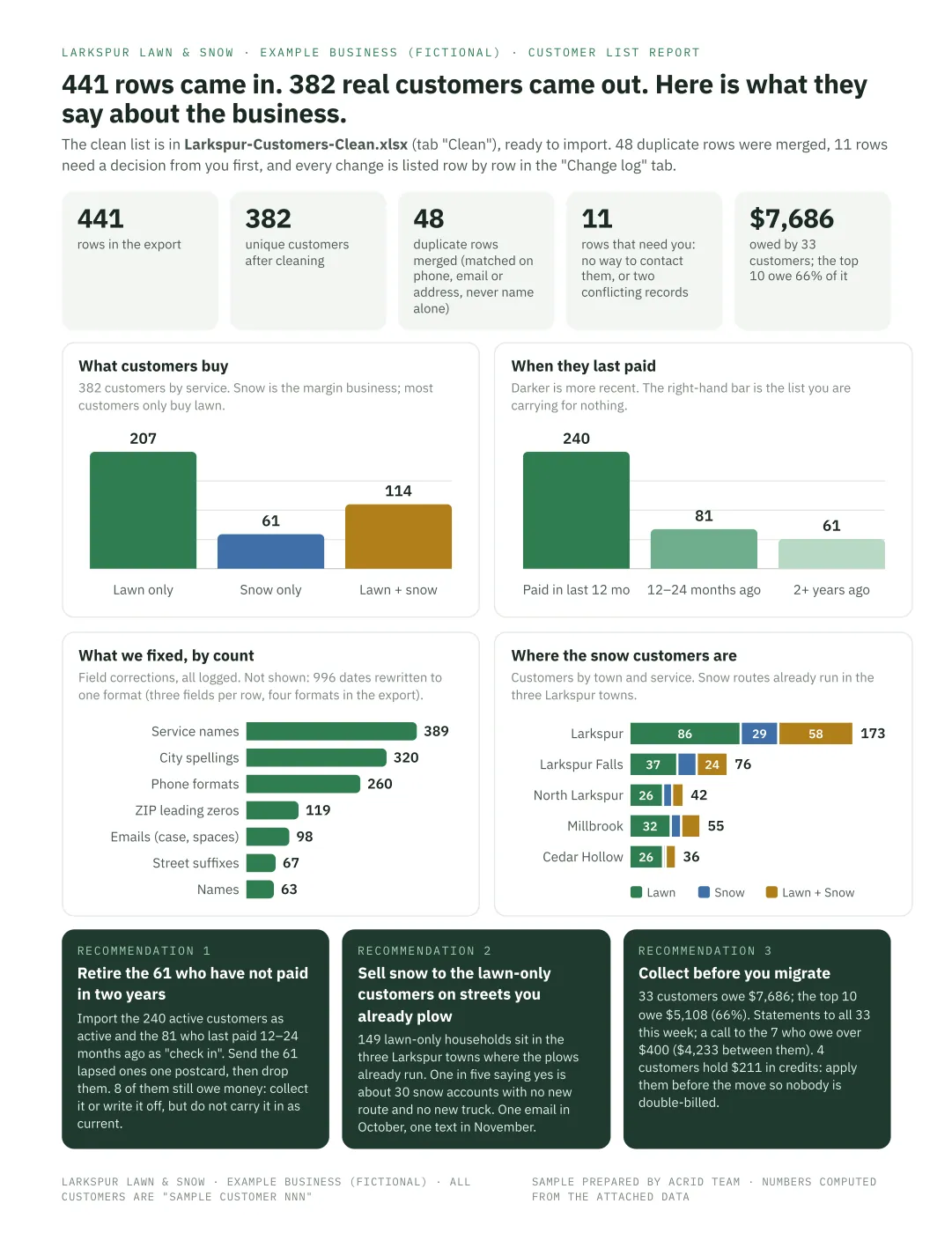
Clean XLSX with five tabs (Read me with the rules, Clean: 382 import-ready customers, Duplicates merged: 48 rows with reasons, Needs a human: 11 rows with what to check, Change log: 2,350 individual fixes), plus a one-page report with four charts (date normalizations called out as a note so they do not drown the other fixes) and three plain recommendations computed from the data.
Contains AI-generated images
The files
- Larkspur-Customer-Report.pdf PDF 145 KB
- Larkspur-Customers-Clean.xlsx XLSX 121 KB · editable source
- customers_export.csv CSV 64 KB · editable source
Want the editable files?
Leave an email and the source file opens right here. You also get one short note on most weekdays: a real request and what came back. Unsubscribe any time.
Done. The file is below.
What it took
Standardized phones, emails, ZIPs, dates and service names; found and merged 48 duplicate rows (by phone, email and address, not just name); flagged 11 rows for a human; then read the clean list for what it says about the business and wrote it down in plain English.
Usually next: The usual next request is the same report every month from the new system's export, or the win-back email to the customers who went quiet.
The messy CSV in this sample was generated to contain the exact problems the owner described (plus a few they did not notice, like dates typed in three formats). Real client data never leaves the client's own storage; we work on a copy and delete it after delivery.
Two quick questions
- How long does a customer spreadsheet cleanup take?
- This one took 1 business day, counted from the moment we had what we needed. Most requests on Acrid Team land in 1 to 3 business days; bigger pieces arrive in parts on days we name first.
- Is my customer data safe?
- We work on a copy, in a workspace only this company can reach, and delete it after delivery. Nothing is used to train anything, and nothing leaves the job.
More requests
-
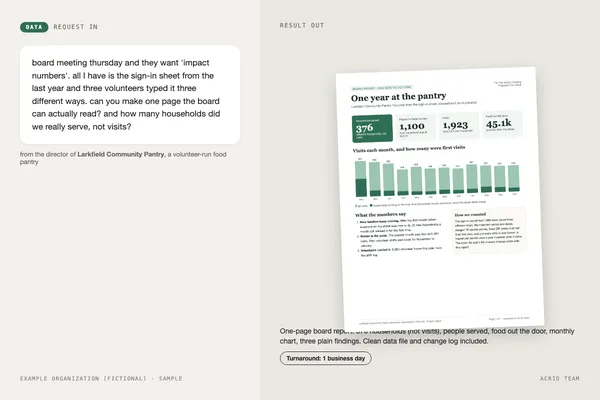 1 business day “Board meeting Thursday and they want impact numbers. All I have is the sign-in sheet, typed three different ways.” Nonprofit impact report for the board
-
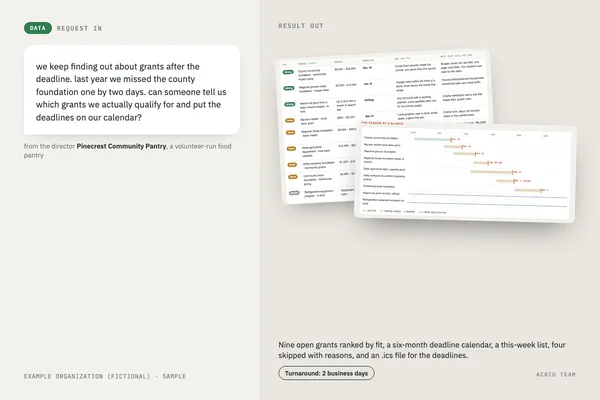 2 business days “We keep finding out about grants after the deadline. Can someone tell us which ones we actually qualify for and put the deadlines on our calendar?” Grant finder and deadline calendar for a small nonprofit
-
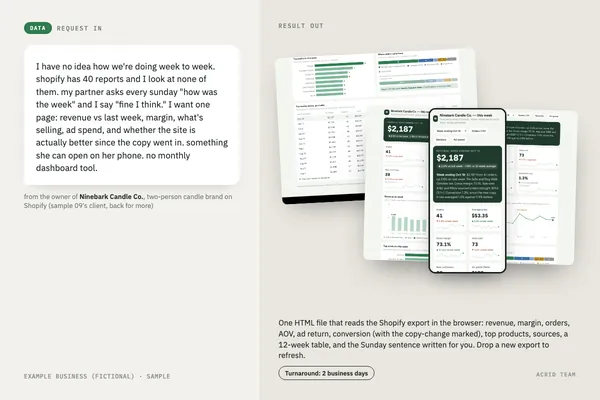 2 business days “I have no idea how we're doing week to week. I want one page my partner can open on her phone Sunday night.” Weekly KPI dashboard from Shopify exports